Apps
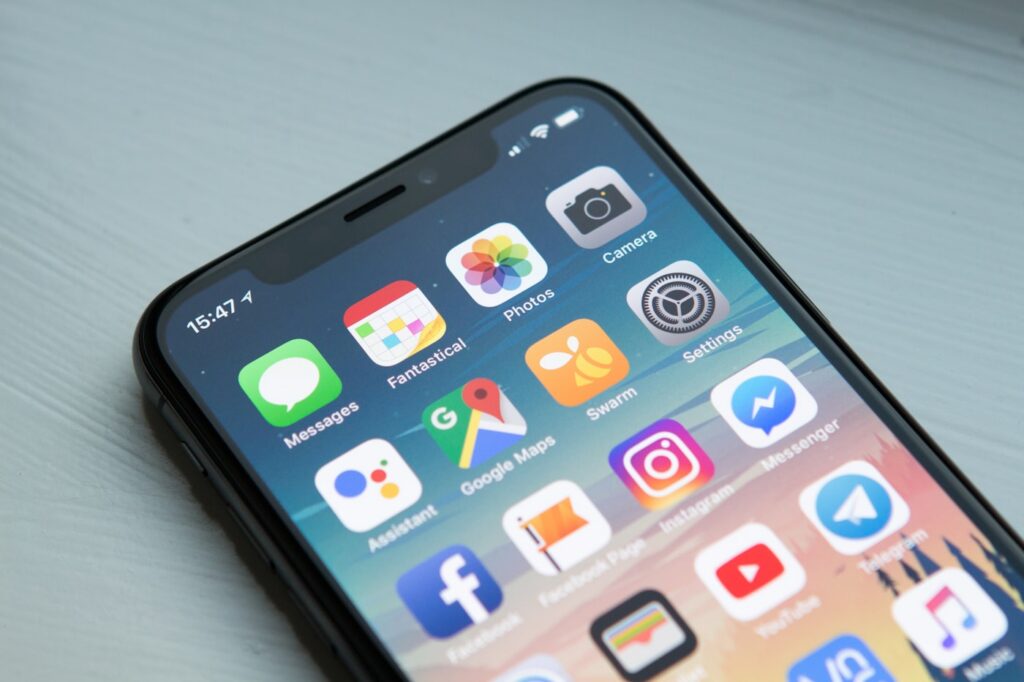
The right app depends on user behavior, device features, budget, speed to launch, offline needs, notifications, and how often customers will use it.
Many business owners ask for a mobile app because apps feel serious and modern. But a mobile app is not always the best first choice. Sometimes a web app is faster, easier to maintain, and better for customers. Sometimes a native mobile app is worth the investment. The right answer depends on how people will actually use the product.
Before choosing, focus on the job the app must do. Is it for customers, staff, bookings, ordering, reporting, training, delivery, inventory, or communication? How often will people use it? What device features are essential? How much can the business invest in launch and maintenance?
What a web app is good for
A web app runs in the browser, which means customers can open it from a link without installing anything. That makes it ideal for booking systems, dashboards, customer portals, calculators, quote tools, service request forms, internal workflows, and MVP launches.
A web app can work across phones, tablets, laptops, and desktops with one codebase. Updates are easier because users automatically see the latest version. For many businesses, that flexibility is more valuable than being in an app store.
When a Progressive Web App helps
A Progressive Web App, or PWA, sits between a website and a native app. It can be installable, open in an app-like window, and support offline features depending on browser and device support. A PWA can be a strong choice when you want an app-like experience without building separate iOS and Android apps immediately.
PWAs are not perfect for every case. Some device features and app store expectations still favor native apps. But for many business tools, a PWA gives a practical balance of reach, cost, and usability.
When a mobile app is worth it
A native mobile app makes sense when users will return often and need a deep device experience. Examples include delivery apps, fitness apps, field service tools, social platforms, fintech products, ride booking, advanced camera features, offline-first work, push notifications, location-heavy features, or Bluetooth/hardware integrations.
Native apps can feel smoother for frequent use, but they cost more to design, build, test, publish, and maintain. You may need separate development for iOS and Android, app store review, update management, and ongoing support.
Do not build an app to fix a weak process
An app will not automatically improve a business if the process behind it is unclear. If your booking flow, pricing rules, customer communication, or staff workflow is messy, the app may only make the mess digital. Start with the process. Then build the tool around it.
A professional discovery phase can map the user journey, decide the must-have features, remove unnecessary complexity, and choose the right technology. This saves money because you avoid building features nobody uses.
A simple decision guide
Choose a web app when you need fast access, broad device support, easier updates, and lower initial cost. Choose a PWA when you want installable app-like behavior but still need web reach. Choose a native mobile app when device features, frequent use, push notifications, offline reliability, or app store presence are central to the product.
If you are still unsure, start with a web app or MVP unless there is a clear reason to go native. Real user feedback will show whether a full mobile app is worth the next investment.
When to talk to a professional
Timeline Soft can help you decide the right path before development begins. We can plan features, design user flows, build web apps, create WordPress systems, and advise when mobile app development makes sense.
Contact us to discuss your project and choose the option that fits your business, not just the trend.
Ready to grow with Timeline Soft?
Tell us your goal and we will send a practical next step.